Child sponsorship, made transparent

Watch every child you sponsor grow and learn.

Photos, school results, fees and letters from East Africa, updated every term and kept private to your group.

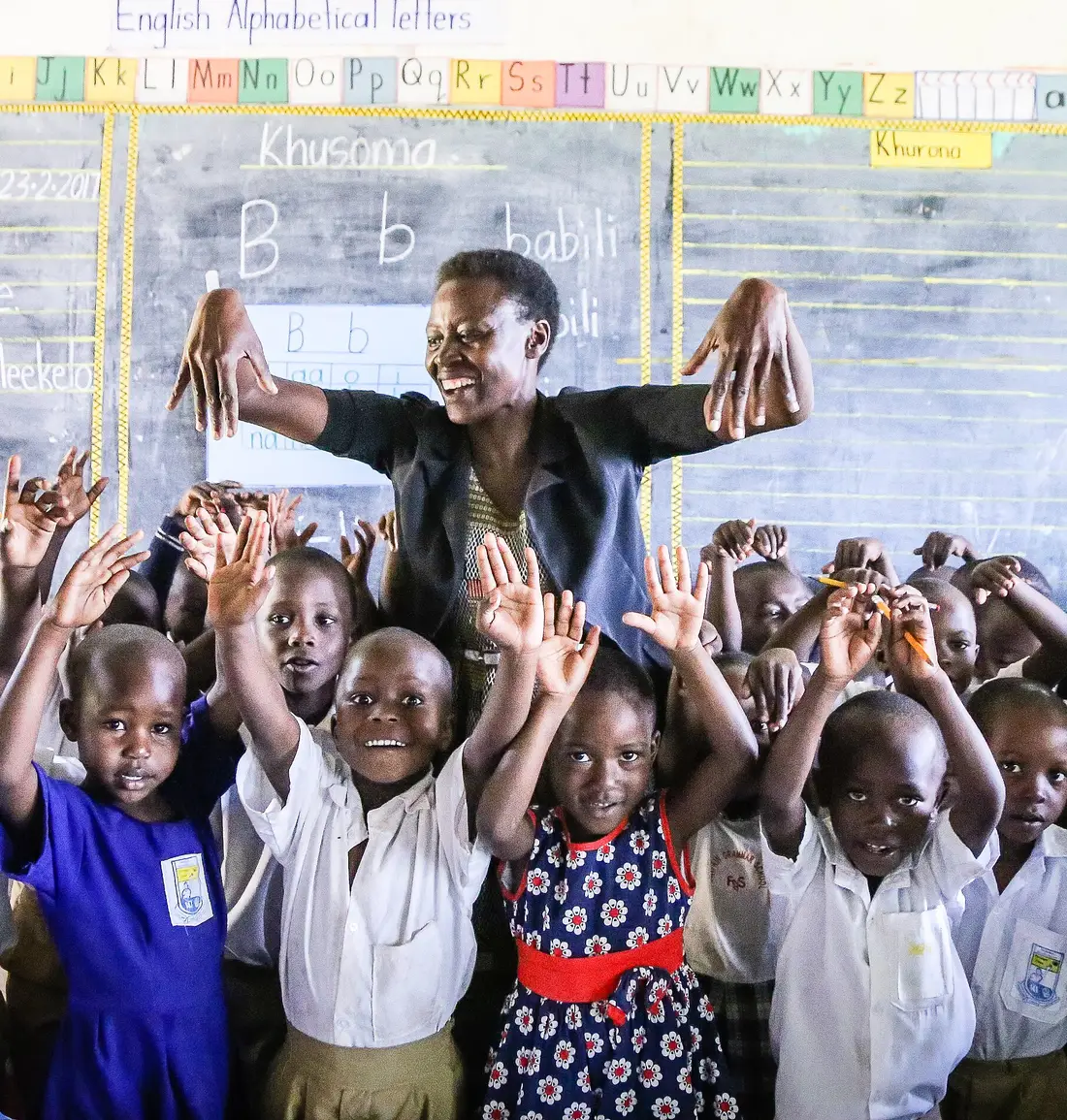
A teacher leading a reading lesson in a Ugandan primary school, with her pupils raising their hands

Kukula works in

  • Uganda
  • Kenya
  • Tanzania
  • Rwanda

Follow the whole school journey.

From the first day of primary school to the last exam, every term’s results, attendance and photos stay in one record.

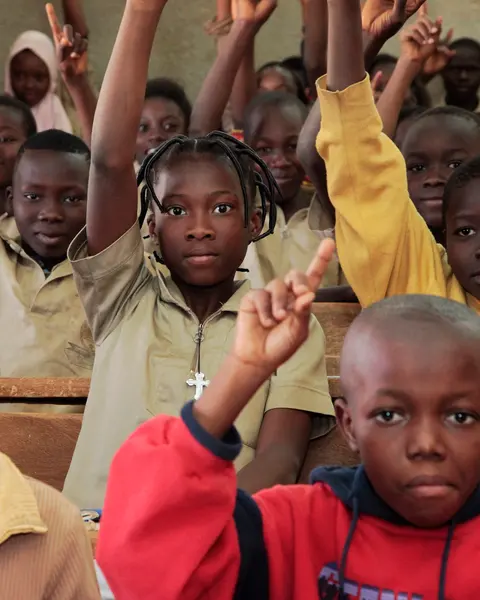
  1. Primary pupils putting their hands up in class

    Primary school

    Results graded the PLE way, with divisions.

  2. Students in uniform walking together across their school grounds

    Moving up

    Each new class and school joins their history.

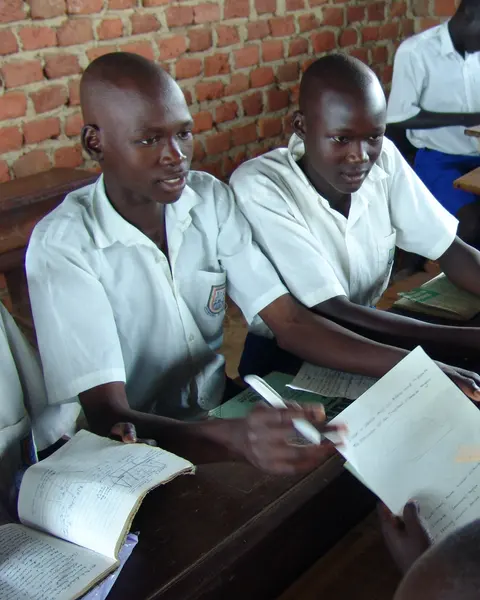
  3. Two secondary school students working through an exercise at their desk

    Secondary school

    O-level grades and A-level points, worked out for you.

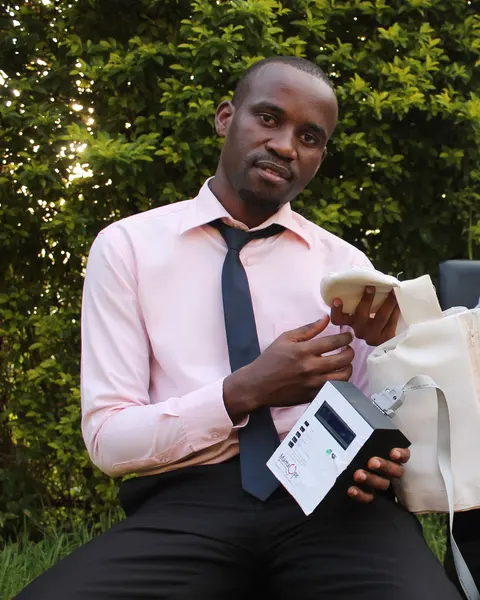
  4. A young Makerere University engineer holding a medical device he helped invent

    Further study

    Vocational courses and beyond, in the same record.

See how it works.

Watch the 80-second film, then see what each person does in Kukula.

Kukula in 80 seconds, playing on a loop with captions. Tap the speaker for sound.
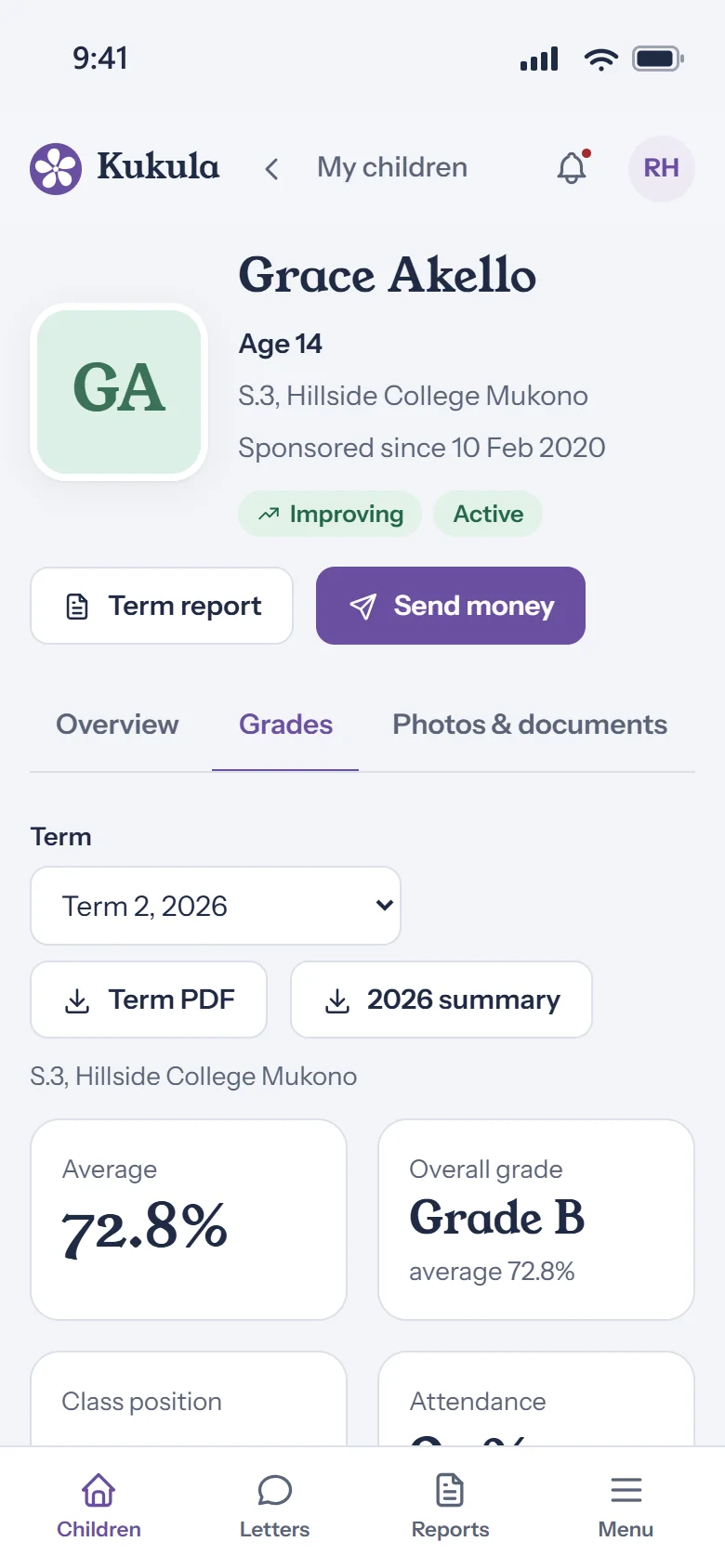
  1. Open a child’s gradesTap a child on your home page, then Grades. The latest term opens first.
  2. Check the overall resultGraded the Ugandan way: divisions, grades A to E, or UACE points.
  3. See their attendanceDays in class out of the days the school was open.
  4. Look at each subjectEvery mark with its grade, and whether it went up or down.
  5. Download the term reportA PDF to keep, or the whole year as one summary.
  6. Read their lettersTyped letters, or a photo of the handwritten page.

The product

One system for everyone involved.

Sponsors, wherever they live

Each child’s photos, results, attendance and letters on any phone or laptop, with fees shown in pounds, euros or dollars.
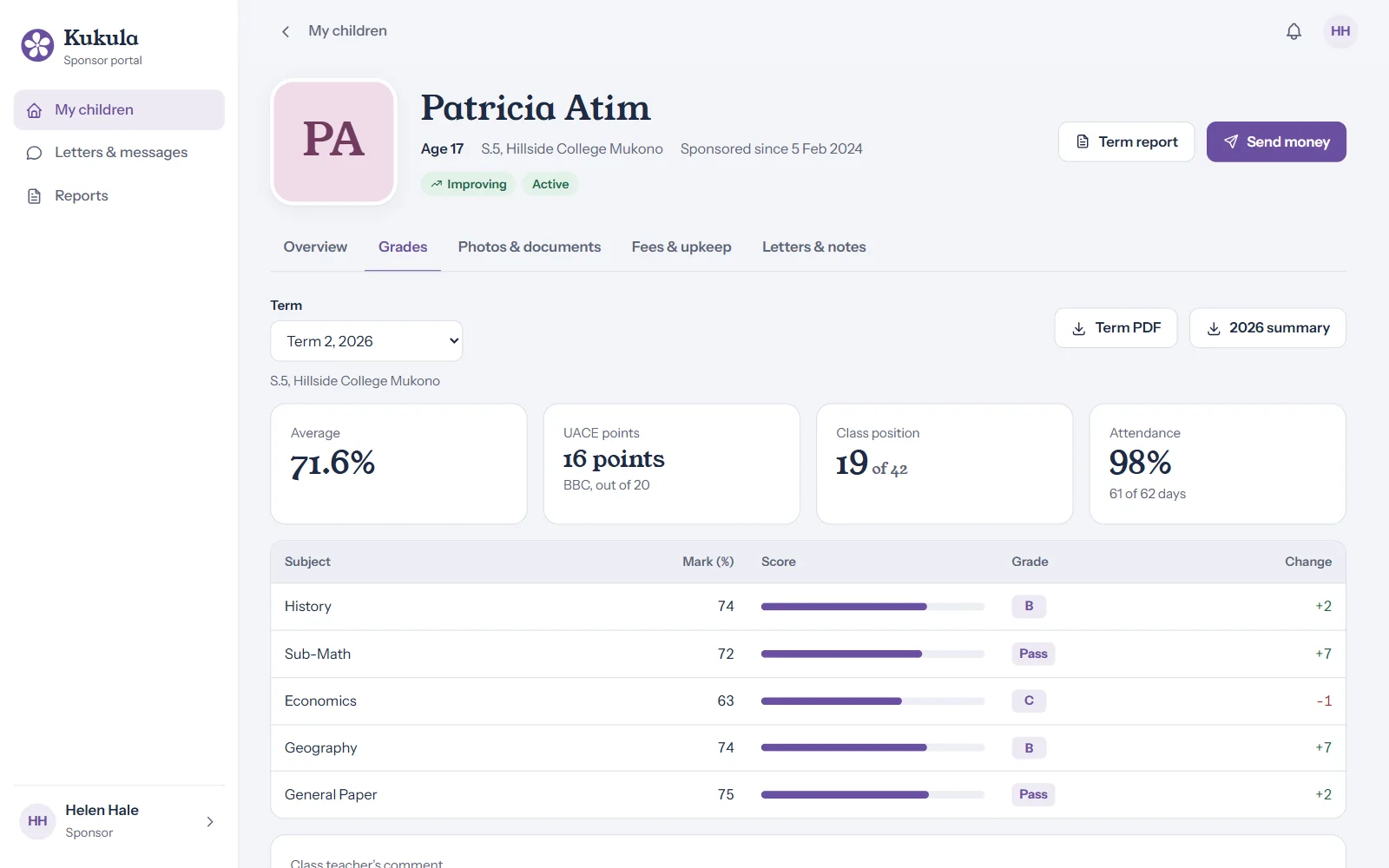
A sponsor’s view of a student’s grades: UACE points, class position and attendance

The coordinator in Uganda

Publish a term update in minutes, or a whole class at once from Excel.
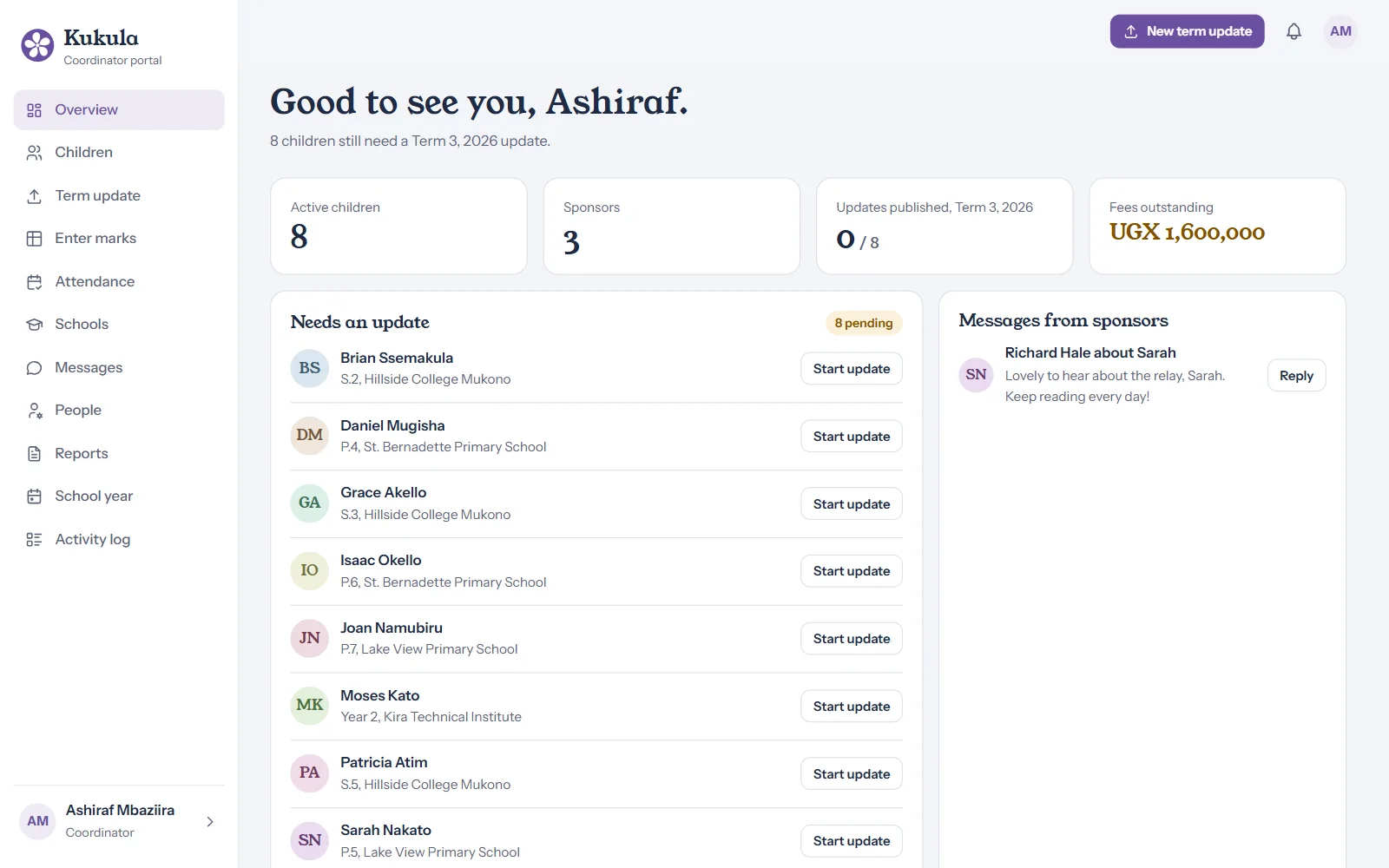
The coordinator’s overview: children needing an update, messages and fees outstanding

Head teachers

Enter marks for their own pupils. Nothing reaches sponsors until it is checked.
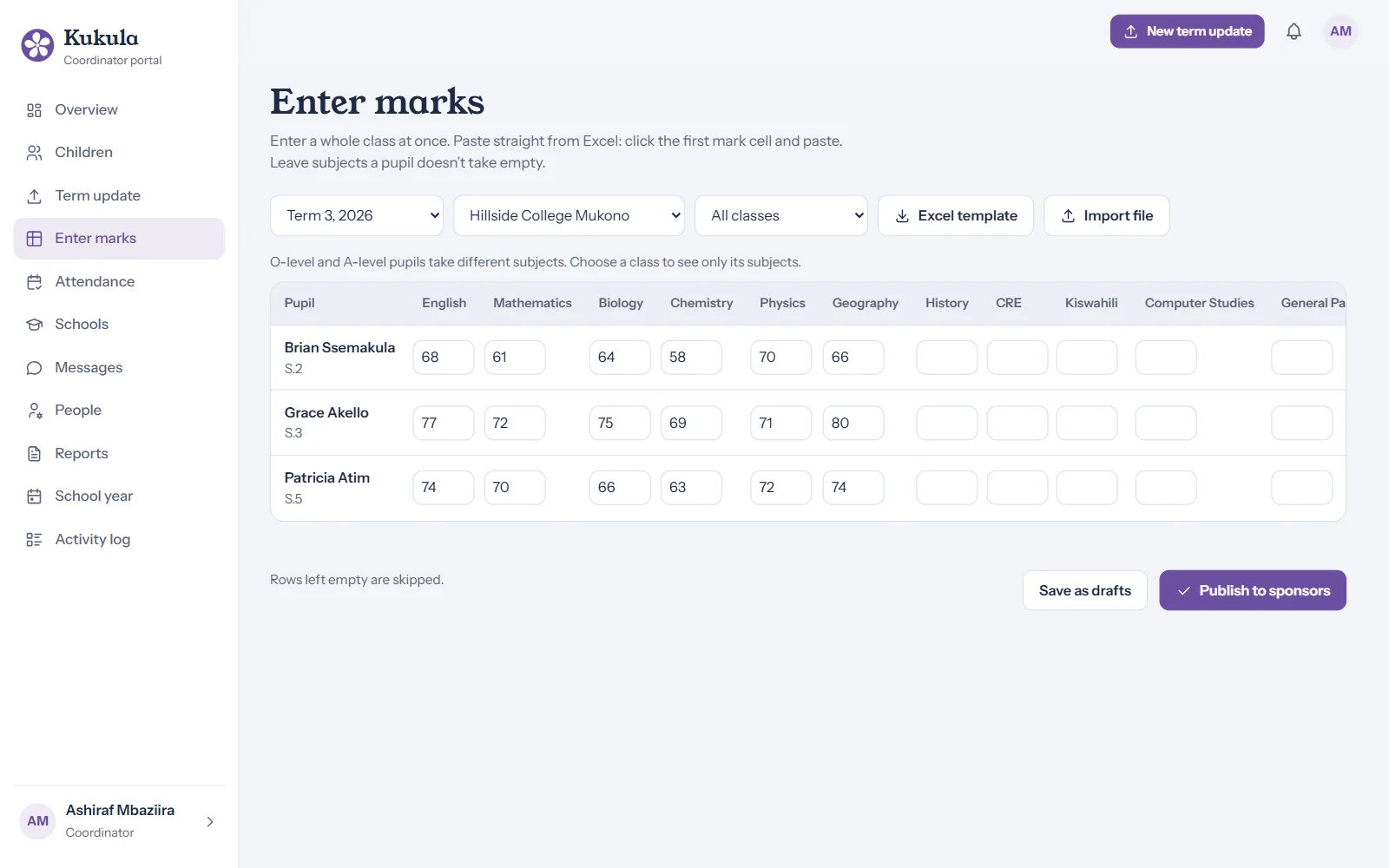
Entering a class’s marks and attendance in a grid

Every term, the same simple cycle.

  1. Marks entered

    The school or coordinator enters results and attendance.

  2. Checked and published

    The coordinator reviews, then publishes with a photo and a note.

  3. Sponsors notified

    By email, a phone notification or WhatsApp.

  4. Reports ready

    Term reports and a yearly statement, as PDFs.

Safeguarding

Built to protect the children.

Children’s photos and records are never public. Every rule is enforced on the server, for every request.

Designed for Uganda’s Data Protection and Privacy Act 2019, UK GDPR and EU GDPR.

  • Consent first

    No photos are shown until a guardian’s signed consent is recorded.

  • Private photos

    Location data removed, links that expire, and the sponsor’s name on every download.

  • No direct contact

    Messages to children always go through the coordinator.

  • Family notes stay private

    Health and family notes are for staff only.

  • Secure sign-in

    A second step on every sign-in, with Google or an authenticator app if you like.

  • A full record

    Every view and change is logged, so you can always see who did what, and when.

Fees, in each sponsor’s own currency.

Sponsors see what is owed in pounds, euros or dollars, and can check what an amount covers before they send it.
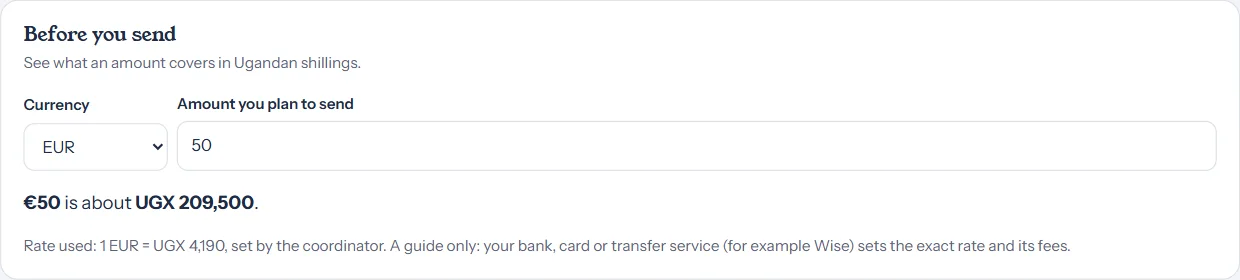
The Before you send box: 50 euros is about 209,500 Ugandan shillings

A statement for every sponsor, every year.

One PDF with each child’s results, attendance and the fees paid. Easy to keep, and easy to share with family.
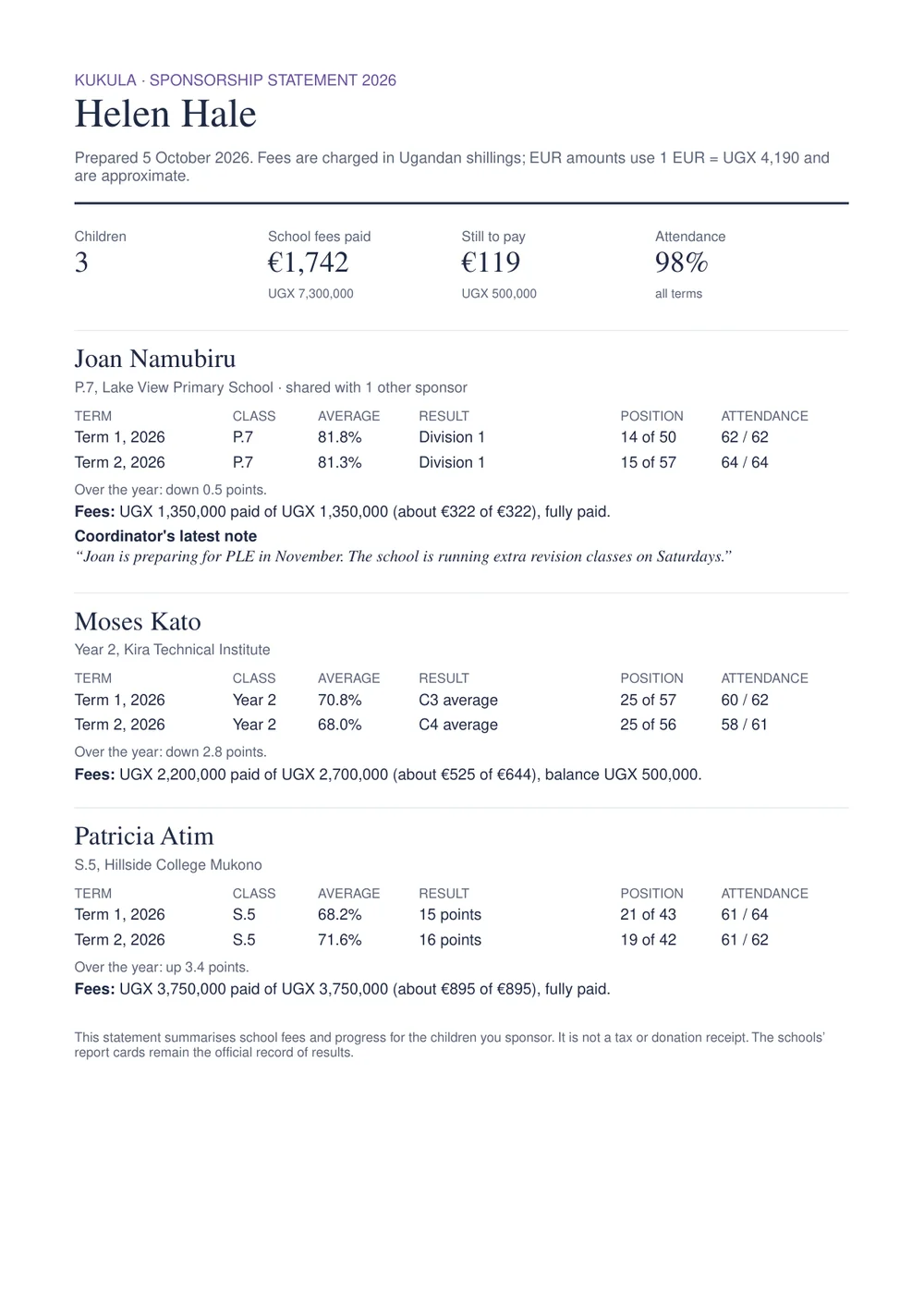
First page of a yearly sponsorship statement listing three children’s results and fees

Everything included.

Every group gets the full system, with nothing extra to switch on.

For sponsors

  • Photos by term, once consent is recorded
  • Results, grades and a progress chart
  • Attendance and school history
  • Letters, including handwritten ones
  • Messages through the coordinator
  • Fees in pounds, euros or dollars
  • Fees and upkeep by bank transfer or Wise, with a PDF receipt for every payment
  • Term reports and a yearly statement
  • Alerts by email, phone or WhatsApp
  • Several sponsors can share one child

For the coordinator

  • A five-step term update
  • Whole-class marks, pasted from Excel
  • Head teachers enter marks for checking
  • Publish, or take back, in one click
  • Photos, report cards and receipts
  • Fee payments recorded with receipts
  • Children and sponsors imported from a spreadsheet
  • New term and new school year in a few clicks
  • Works offline and sends when back online
  • Excel export of grades and fees

For your group

  • Your name, logo and colours
  • Invitation-only accounts and roles
  • Sign in with Google or an authenticator app
  • A log of every view and change
  • Data export and permanent deletion
  • Reminders when records are due for deletion
  • Daily exchange rates, updated automatically
  • Daily encrypted backups
  • Private, encrypted hosting

Common questions.

Anything else? Write to [email protected].

Who owns the children’s data?

Your group does. We look after it under a data processing agreement, and if you ever leave we hand over a complete export and then delete everything.

Where is the data stored?

On a private server that is never open to the public, with an encrypted backup taken every night. Children’s records and photos are only ever shown to the people your group invites.

Is there an app to download?

No download is needed. Kukula works in any browser, and sponsors can add it to their phone’s home screen, where it opens like an app and can send notifications.

Can sponsors pay school fees through it?

Yes. Sponsors choose a child, then school fees or upkeep, and send it by bank transfer or Wise to your group’s account, quoting the reference Kukula gives them. Your coordinator confirms each payment when it arrives, and the sponsor gets a receipt. Kukula never holds the money.

What does our coordinator in Uganda need?

A phone or laptop and an internet connection. Staff can keep working offline, and their updates send when the connection returns.

Can schools enter the marks themselves?

Yes. Head teachers get their own sign-in, see only their own pupils, and their marks stay drafts until the coordinator publishes them.
Let us show your group around.

A short video call: we walk through a sponsor’s view and a coordinator’s term update.

Book a demo